Vendor Health Fair Booth TipsJoin Now
Prepare With Confidence. Connect With Employees.
Practical answers to the questions vendors ask most often, from registering for the right event to welcoming employees at an onsite or virtual booth.
Your path to participation: Complete your profile → Register for each event → Receive employer approval → Prepare and test → Attend the full event.
Try registration, parking, table, coupon, video, or follow-up.
27 answers available
Before You Register
I completed my profile. What do I do next?
Log in with your existing account, open the specific event link in your invitation, and submit its registration form. Complete a separate registration for every event. Creating a profile alone does not reserve a booth.
I cannot find the event registration link.
Open the event page while logged in. Look for the registration option on that page; it may appear in the left sidebar. If the event shows “filled” or the link is missing, contact IAB with the event name, link, account email, and a screenshot.
Am I approved, or is my registration still pending?
Check your profile’s Edit → Event Registrations tab and your approval email. An invitation or submitted registration is a request for consideration. The employer makes the final decision. If the event is approaching and your request remains pending, contact the employer through your registration or ask IAB for help.
What should my profile include?
Add your logo, a clear company description, current contact details, locations, services, and helpful educational materials. Choose categories that accurately describe the services you offer. Explain your planned booth activity so the employer can assess its fit.
When do I pay, and how do coupons work?
Review the fee on the event page. For paid registrations, your card is authorized when you register and charged after employer approval. Enter an authorized coupon at the billing step and check that the discount appears before submitting. If it fails, send IAB the event name, code, and exact error. An eligible active membership may cover fees, but registration and approval are still required.
Plan Your Onsite Booth
Where are the parking, unloading, and setup instructions?
Read the event page, approval email, and any separate parking instructions or attachments. Share them with the representative attending. Use the specified building, room, unloading area, and parking lot; the general street address may not identify the event entrance.
When should I arrive and be ready?
Follow the event’s setup instructions. IAB’s general onsite guidelines call for arrival one hour before the event and readiness at least 30 minutes before the start. Check the time zone and allow time for unloading and parking. Remain for the scheduled event; confirm breakdown instructions with the host.
Are tables, chairs, linens, electricity, and Wi-Fi included?
Check the booth information on the event page for table size and provided amenities. Confirm linens, chairs, electricity, Wi-Fi, and extra space with the employer or coordinator. Request your needs during registration; a request does not guarantee availability.
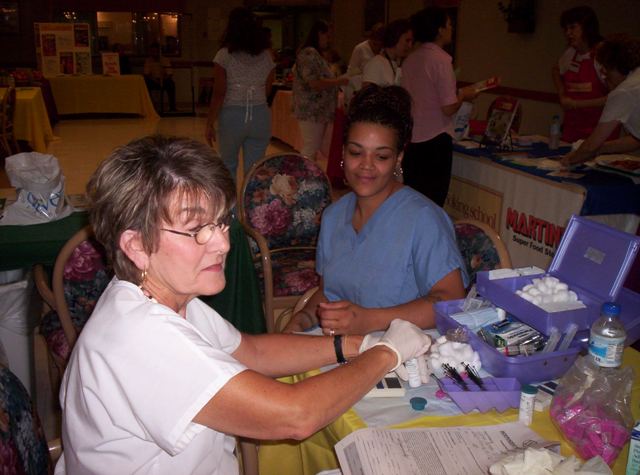
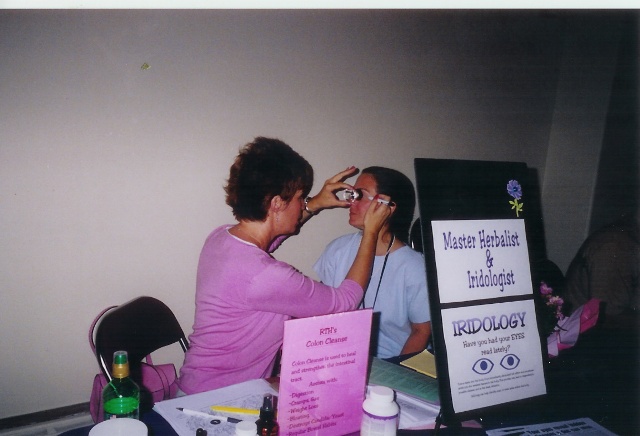
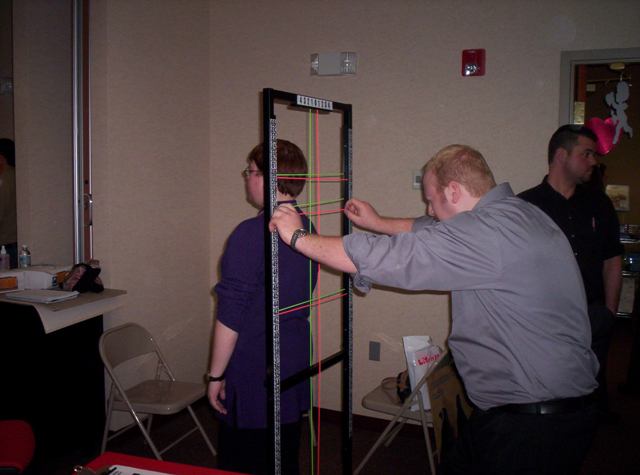
Can I bring screening equipment or offer product sales?
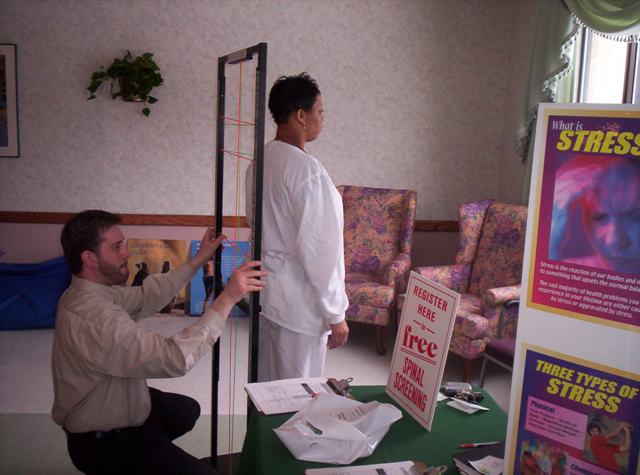
Describe your proposed services and equipment when registering. Review employer requirements for space, electricity, screenings, samples, food, sales, waivers, or insurance documents. Obtain approval for your planned activities and submit any required documents before the event.
Can I participate by mailing materials instead?
When the event offers a mail-in option, register for that option and receive approval before shipping. Preferred providers must also register. Confirm the recipient, delivery address, deadline, any fee or approved coupon, and how materials will be displayed. Do not assume a mailed box reserves a staffed booth.
What if I cannot attend or my staffing changes?
Use Edit → Event Registrations to cancel, or contact IAB promptly if you cannot complete the cancellation. Let the coordinator know about staffing changes. Cancellations within five business days of the event are not eligible for a refund; see Provider FAQs for cancellation and date-change guidance.
Make Your Booth Welcoming
How can I create a useful, inviting display?
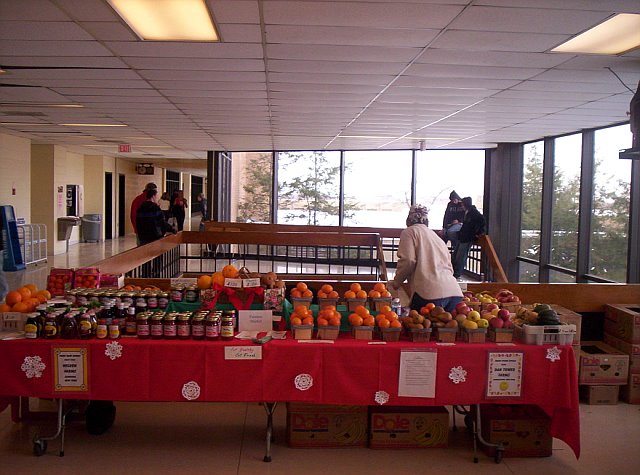
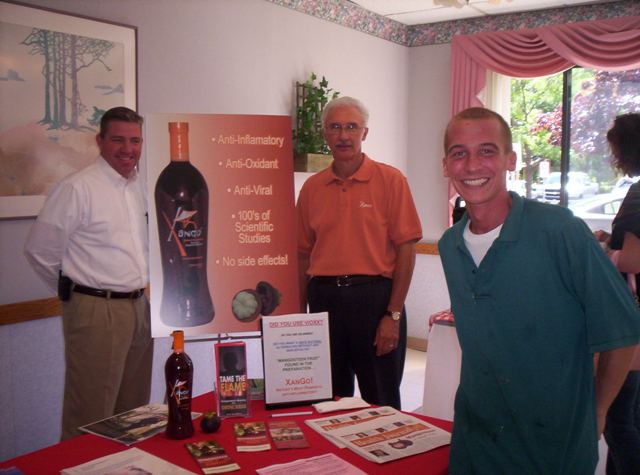
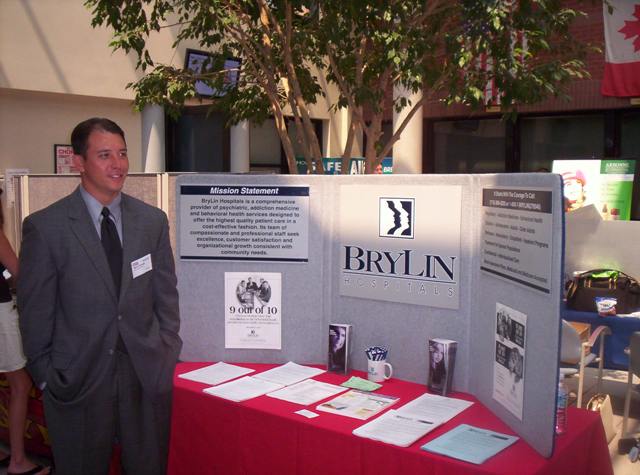
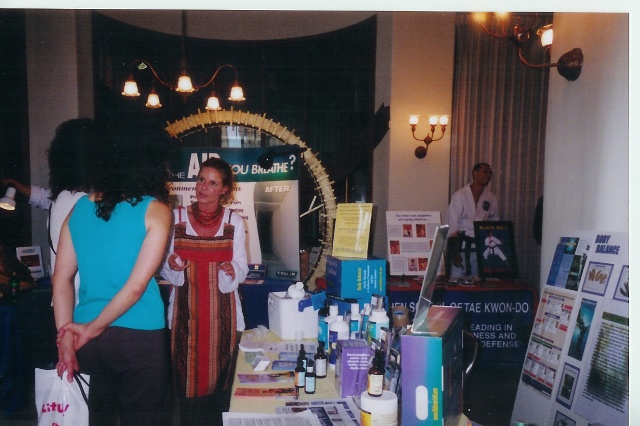
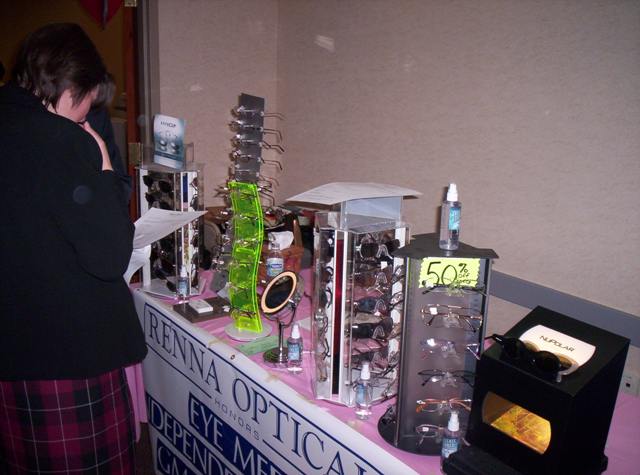
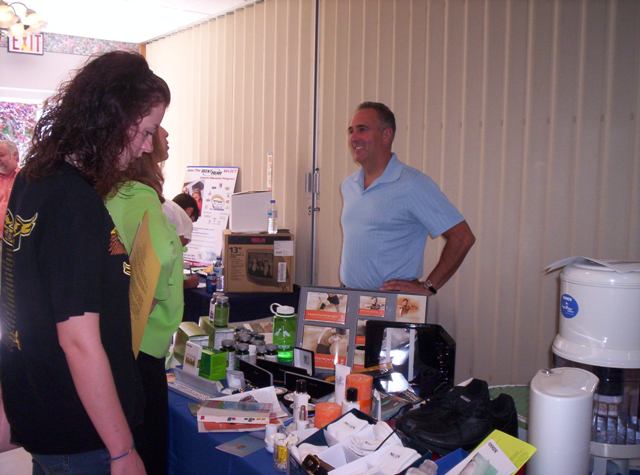
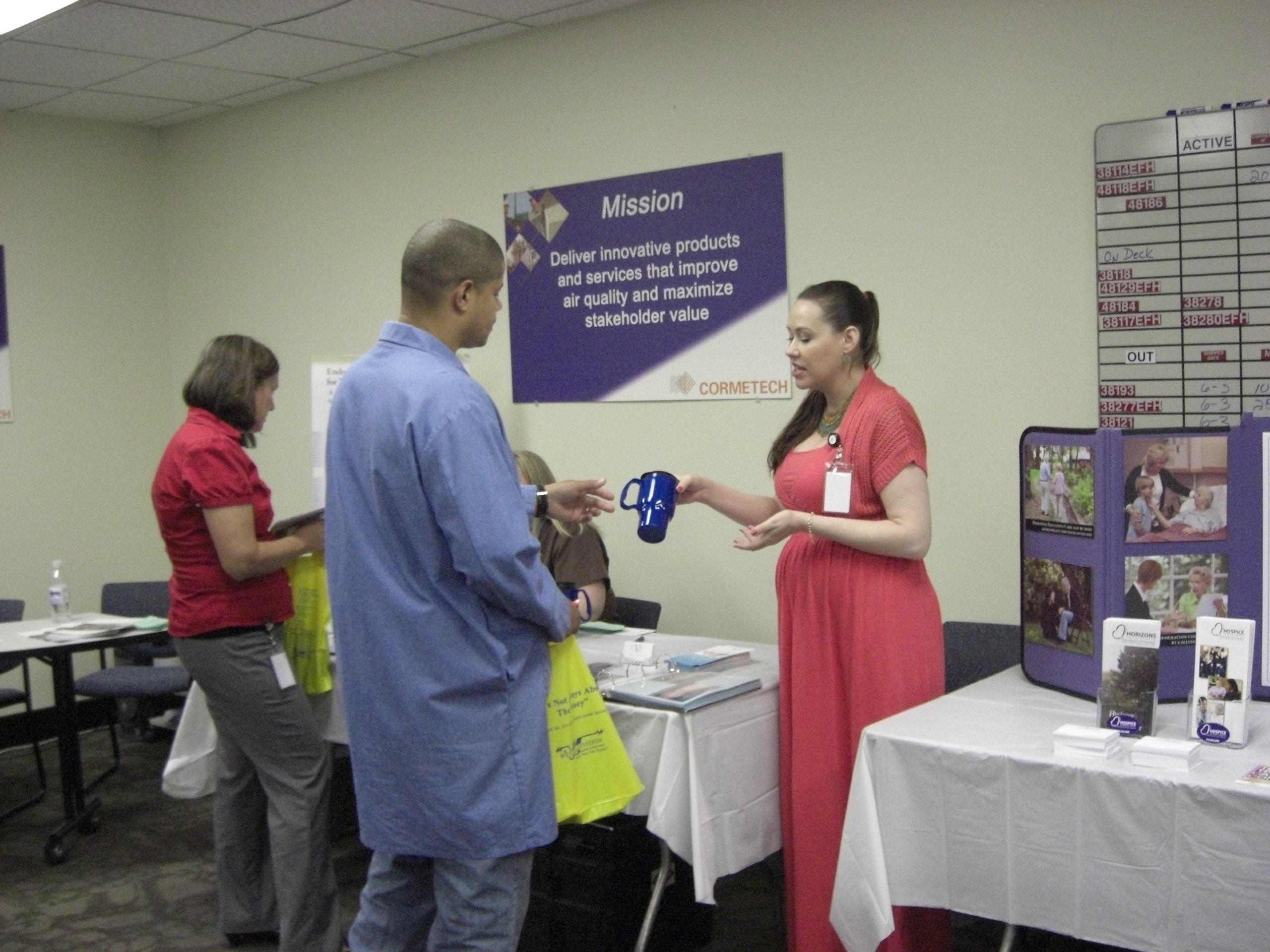
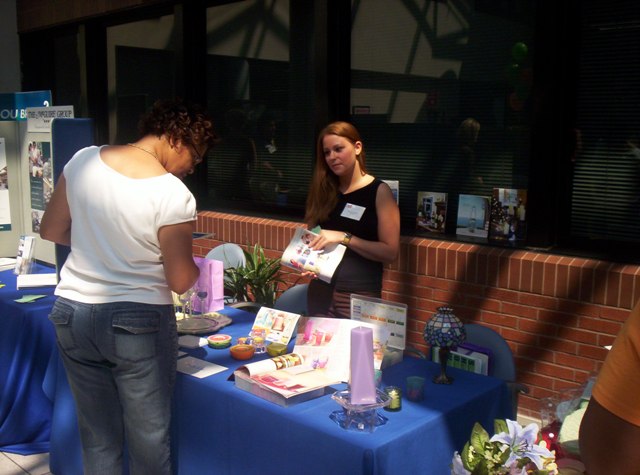
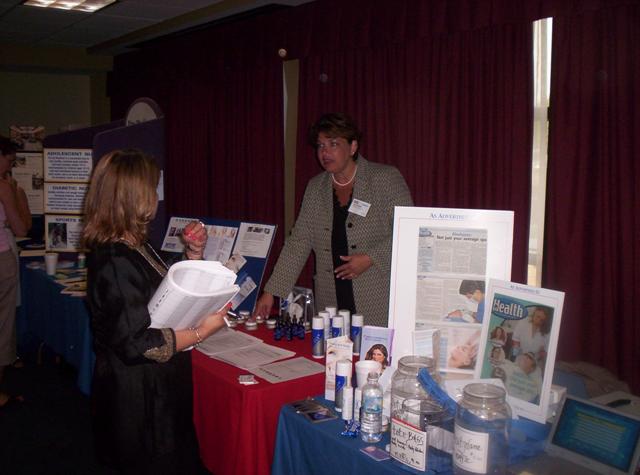
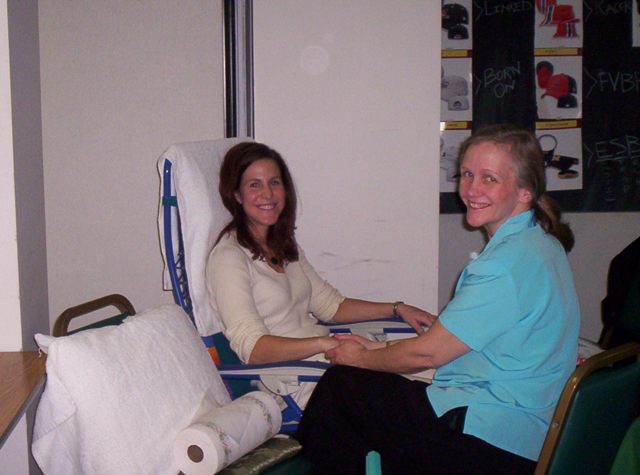
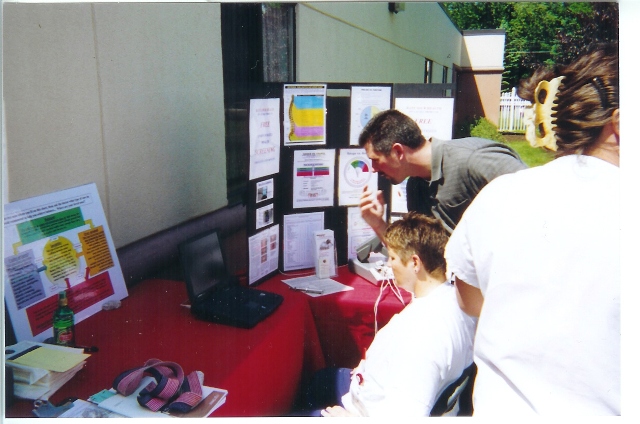
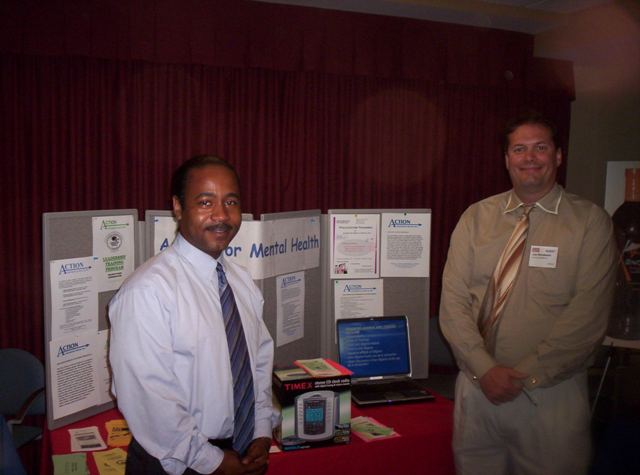
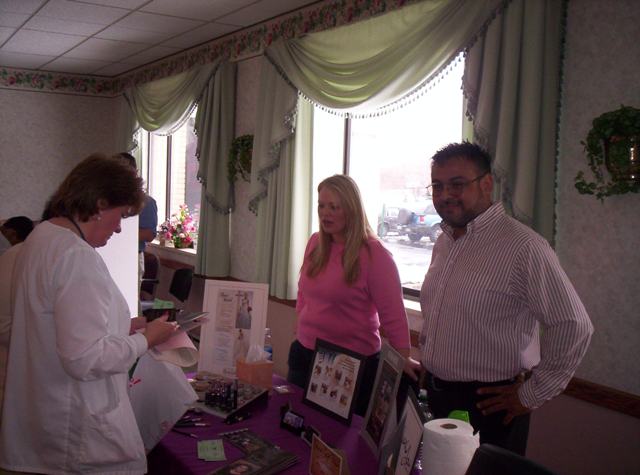
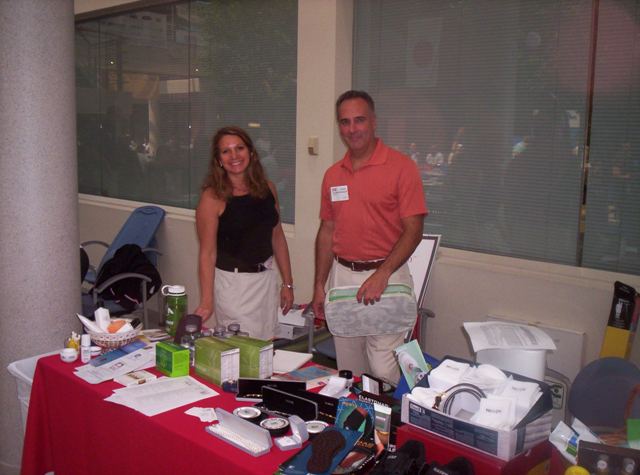
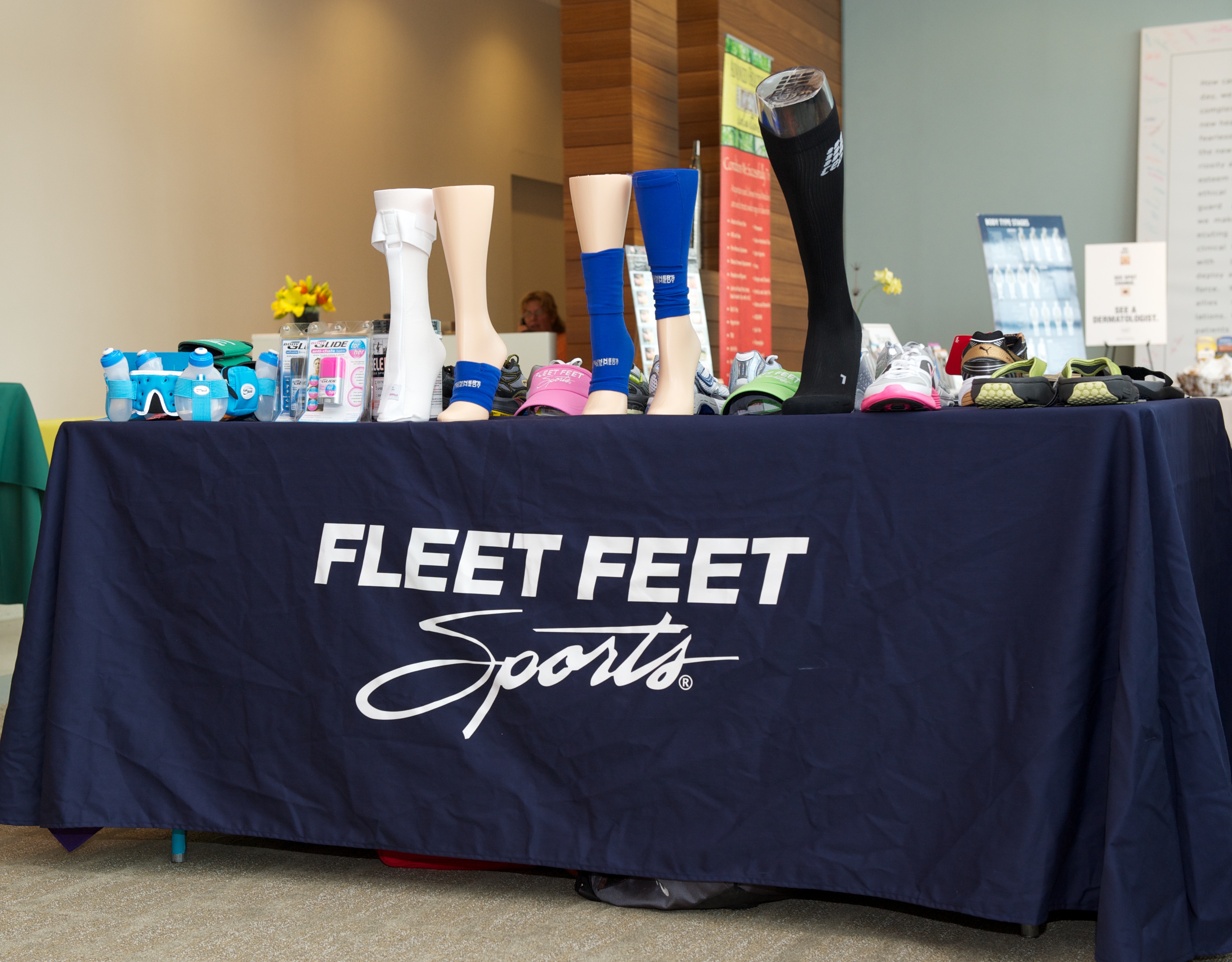
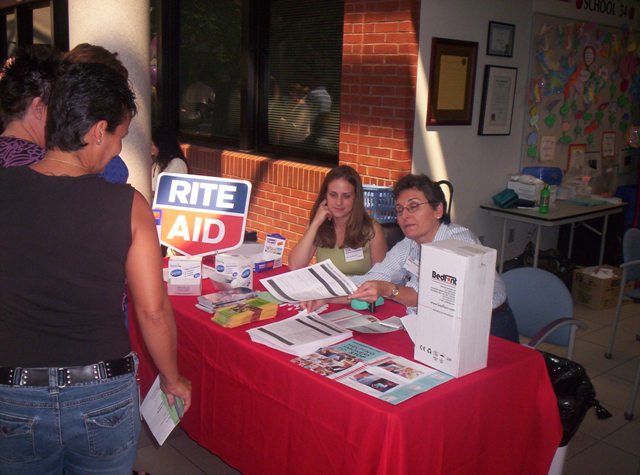
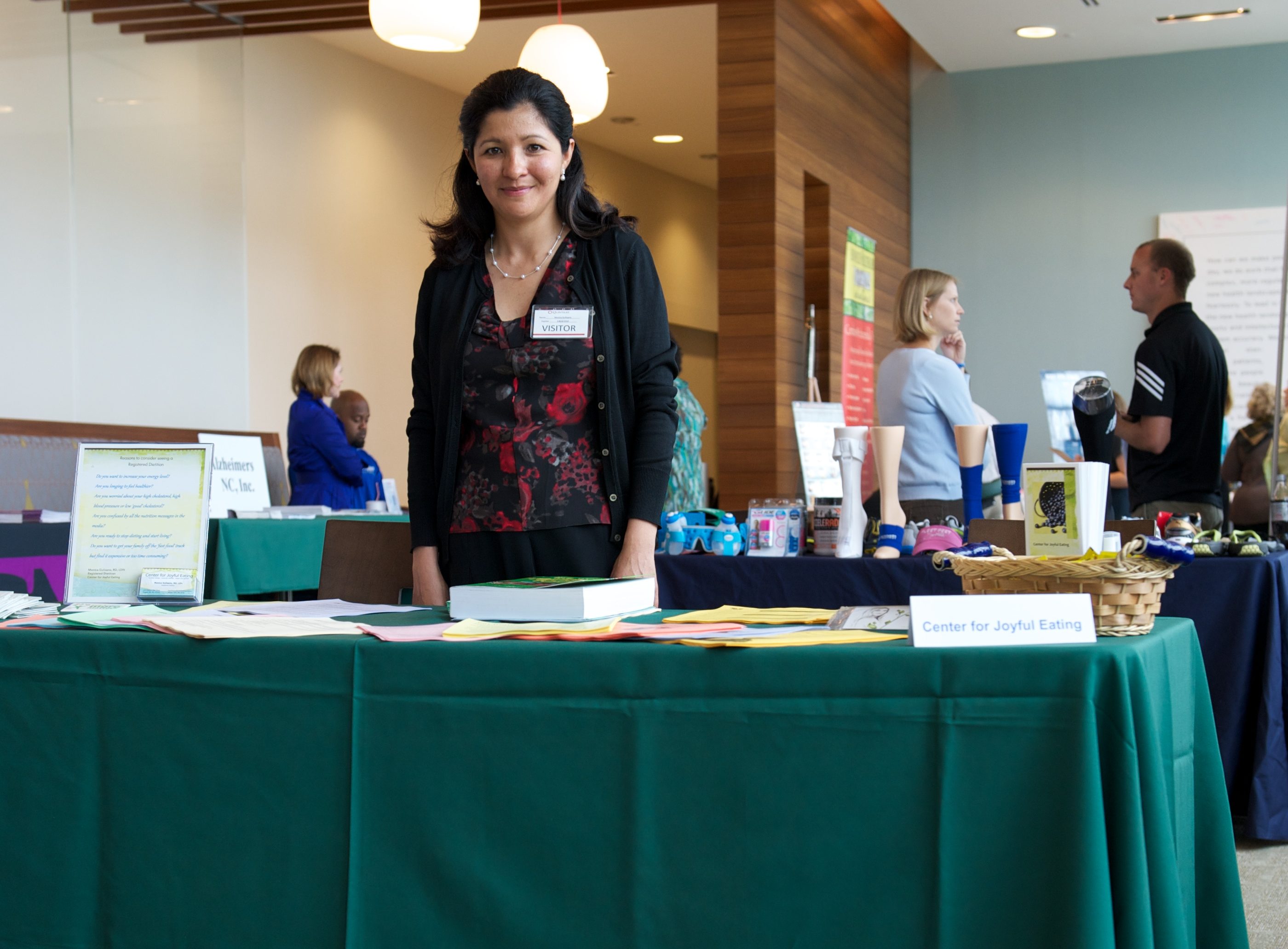
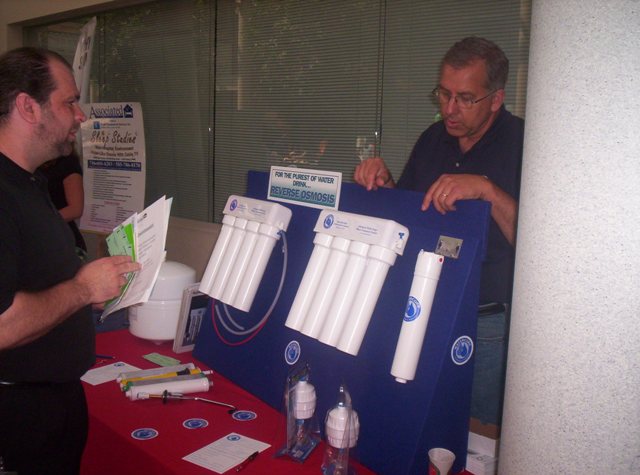
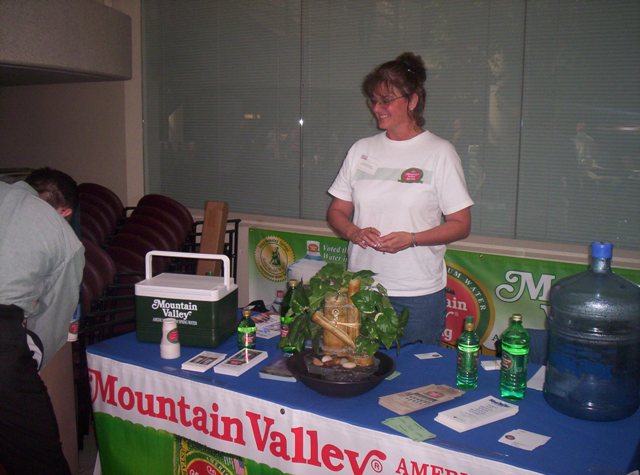
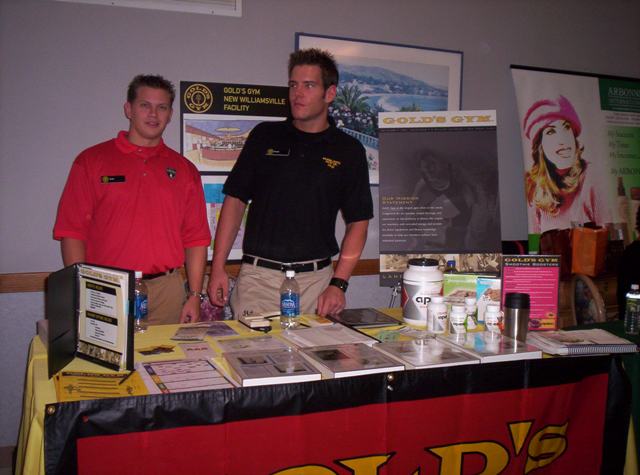
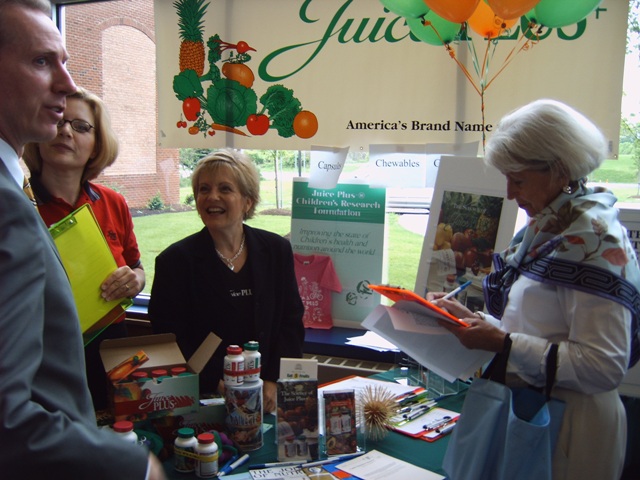
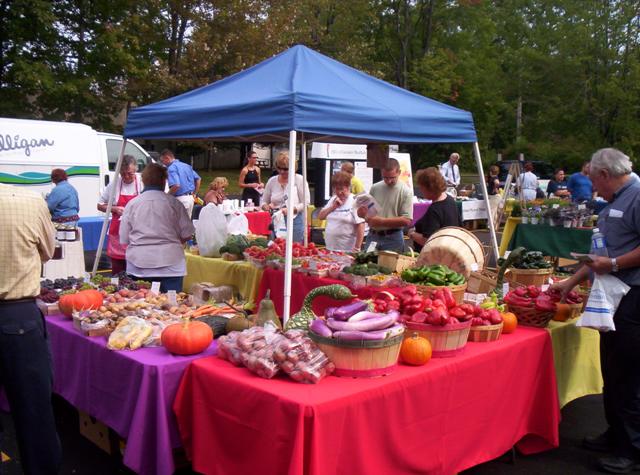
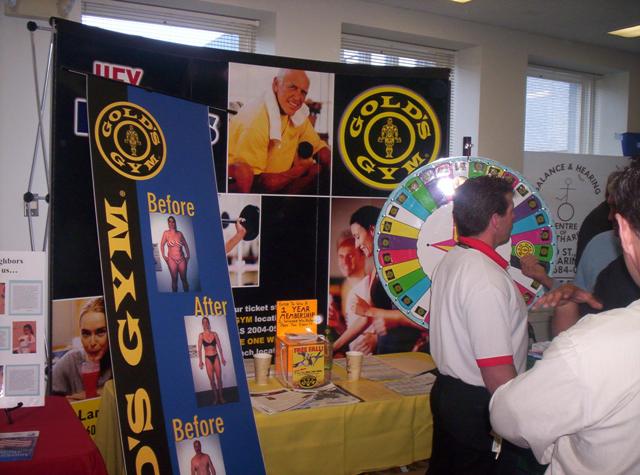
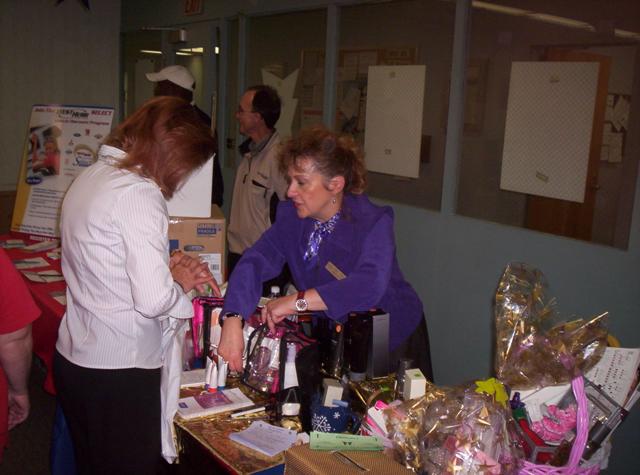
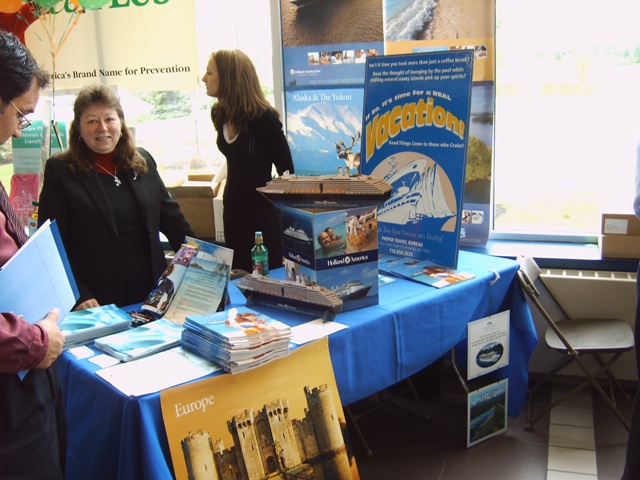
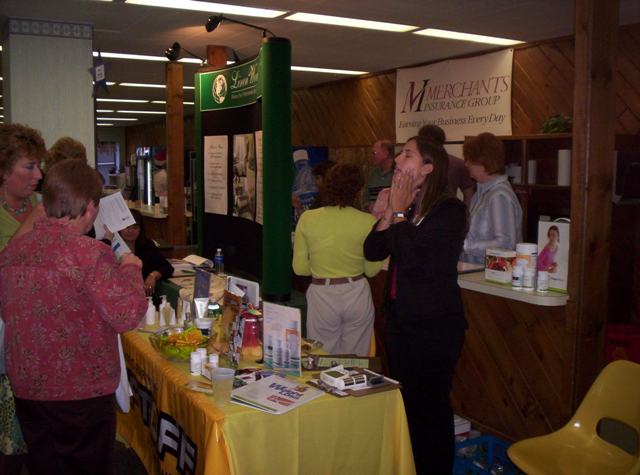
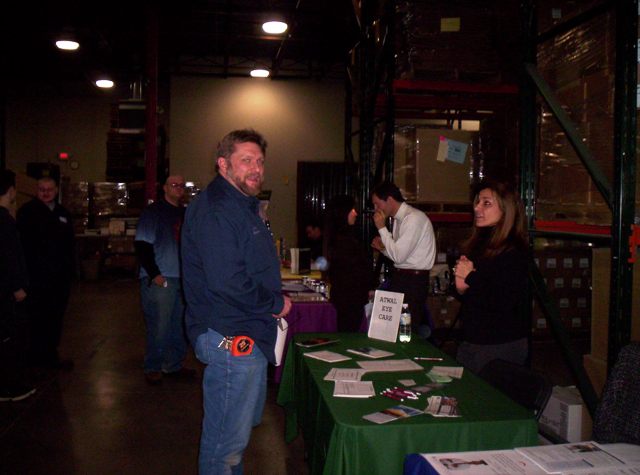
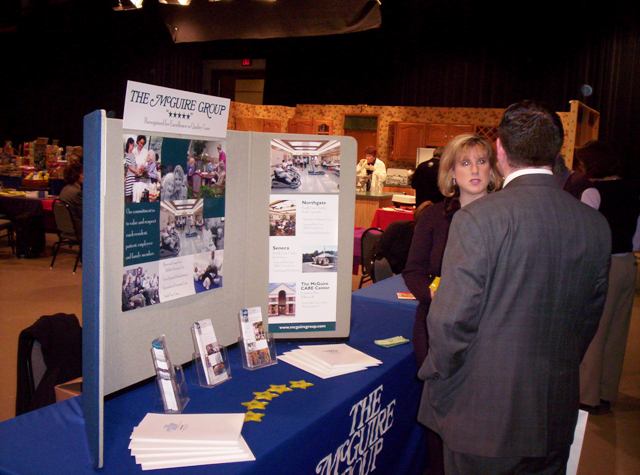
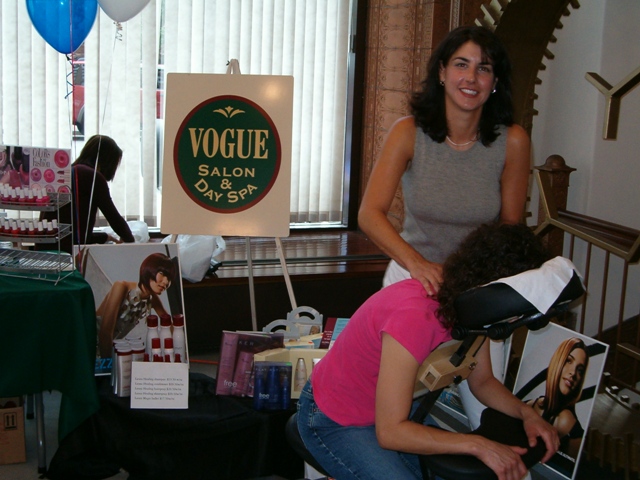
Make your company name and service easy to understand at a glance. Keep the table tidy, display a simple takeaway, and offer an approved demonstration or educational activity. Use a QR code or handout that gives employees a clear next step.
How should I engage employees?
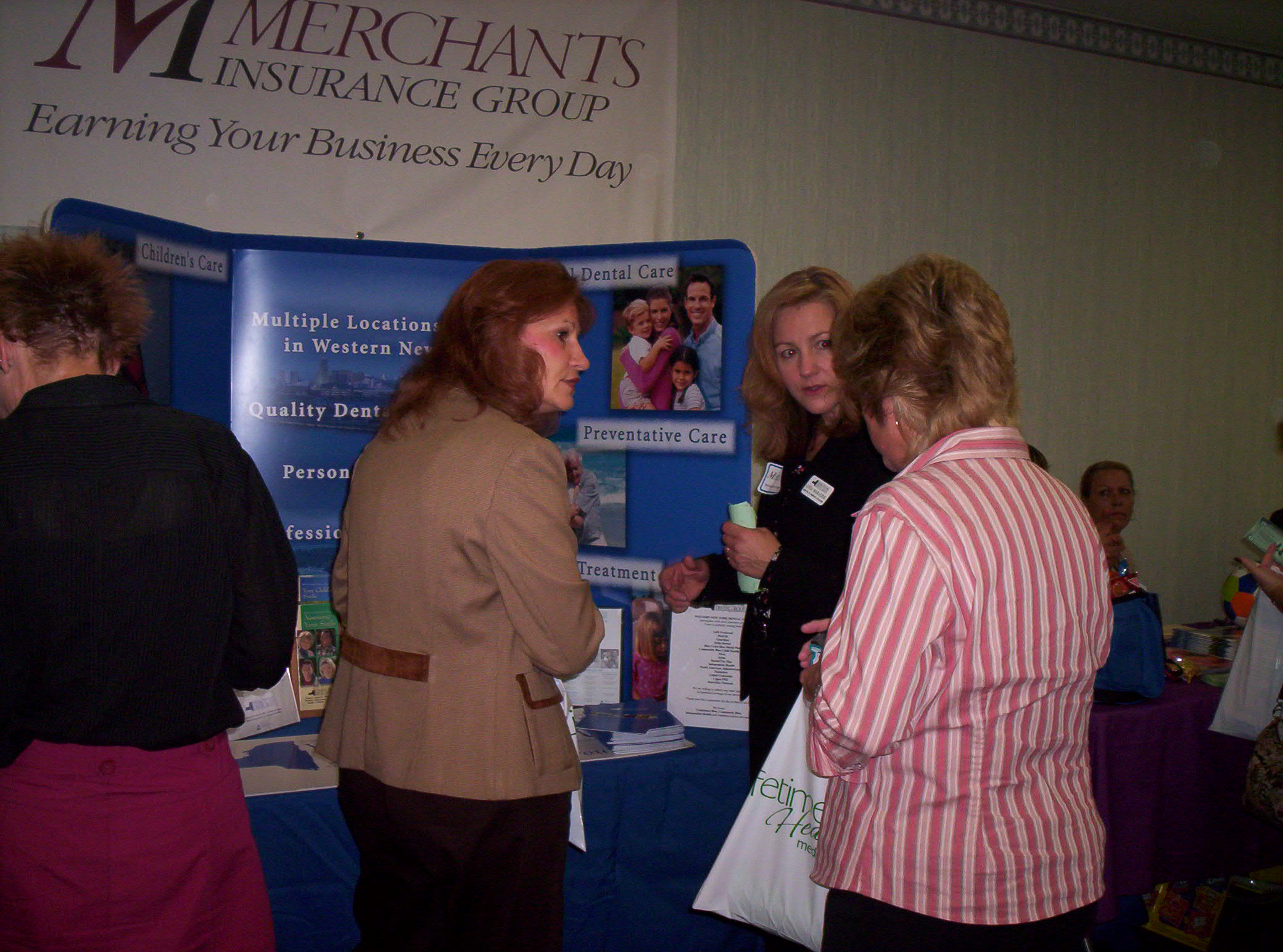
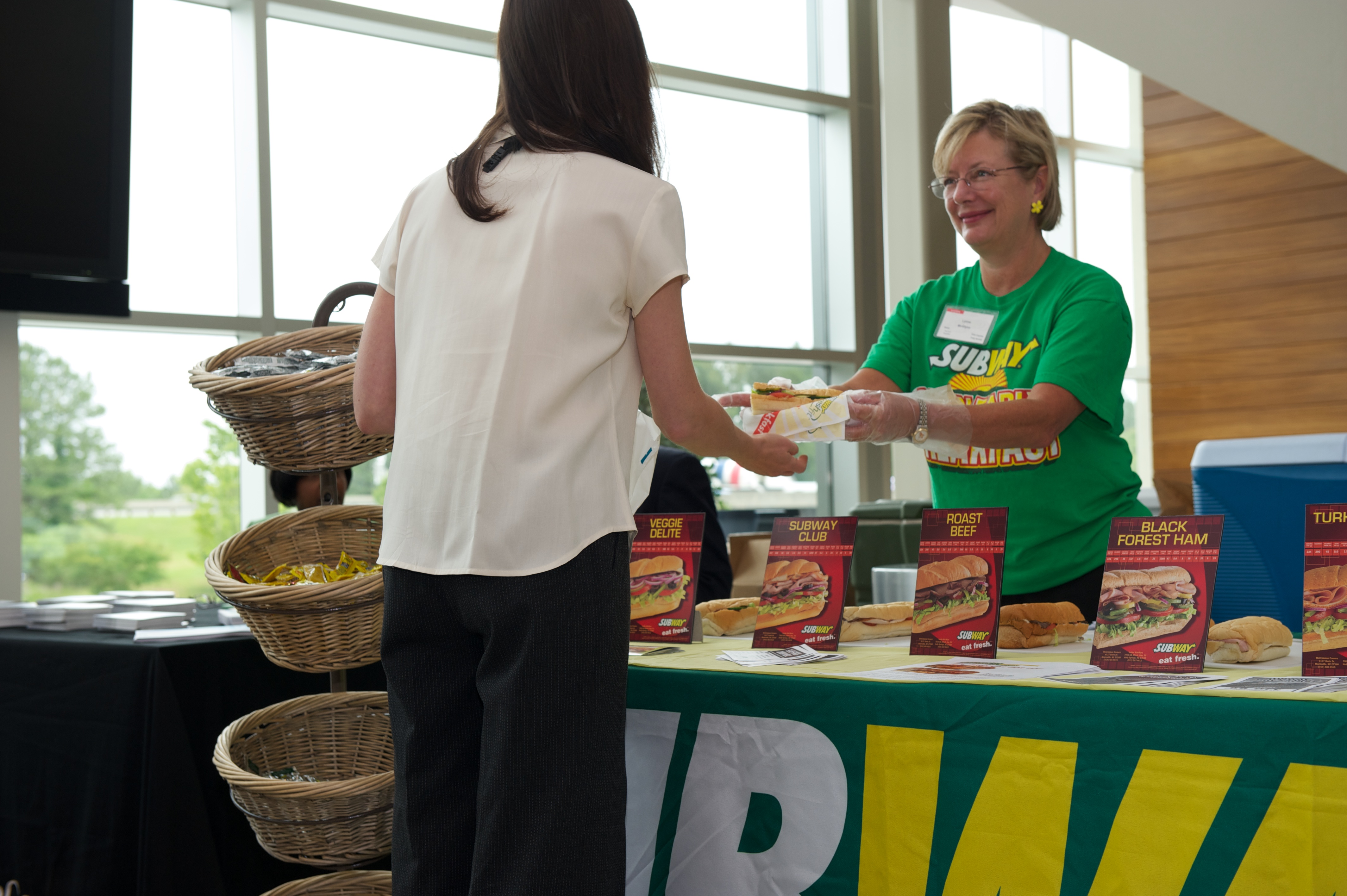
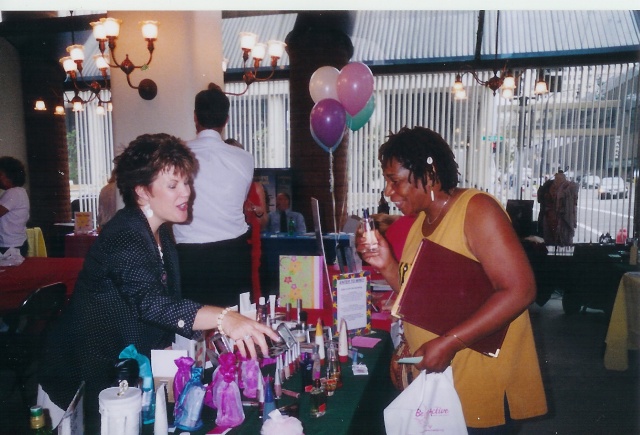
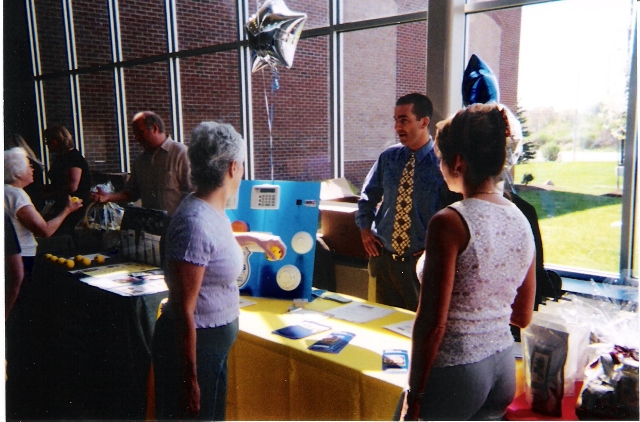
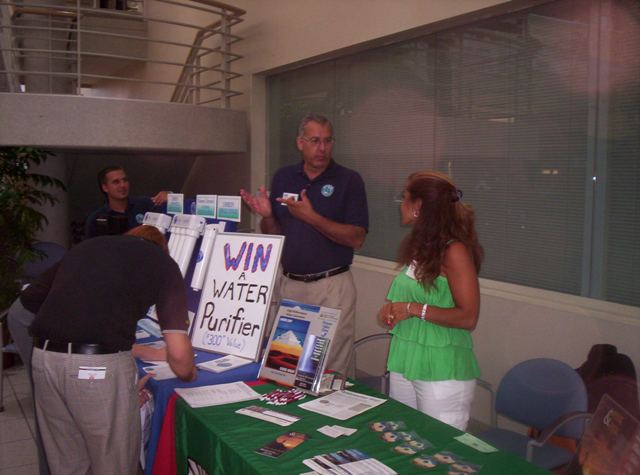
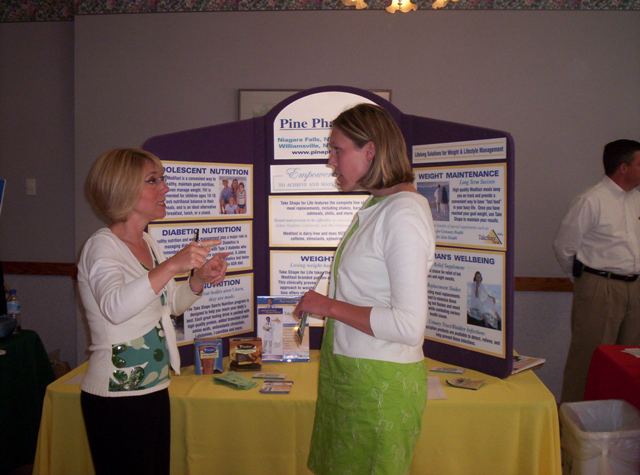
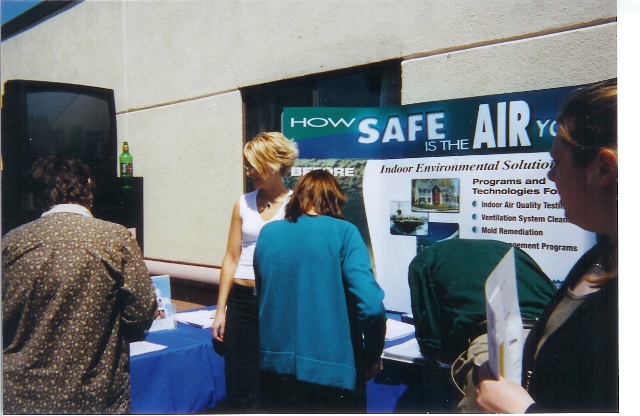
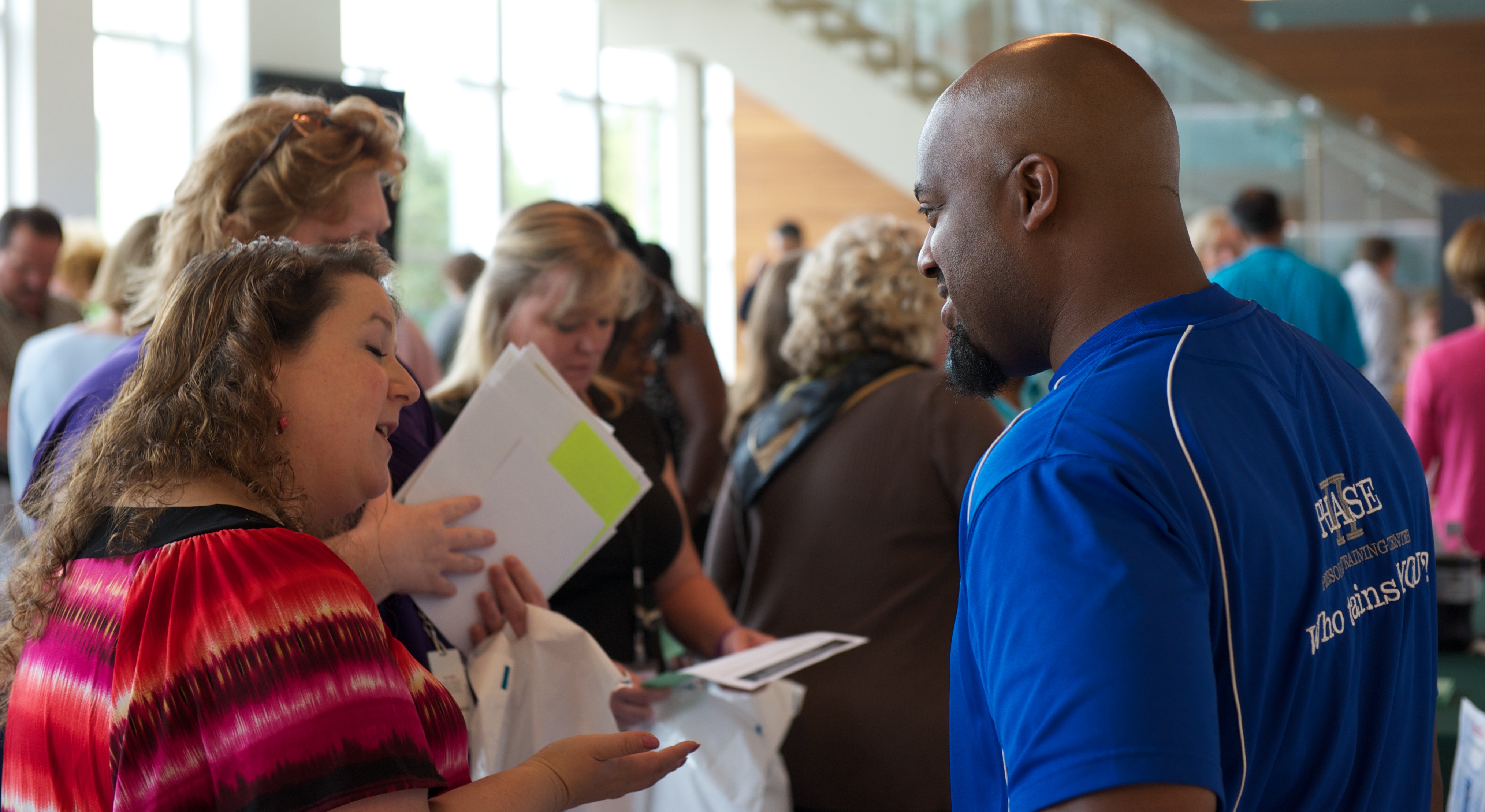
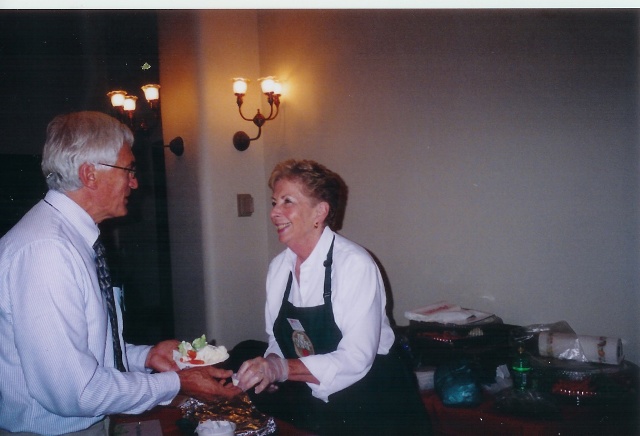
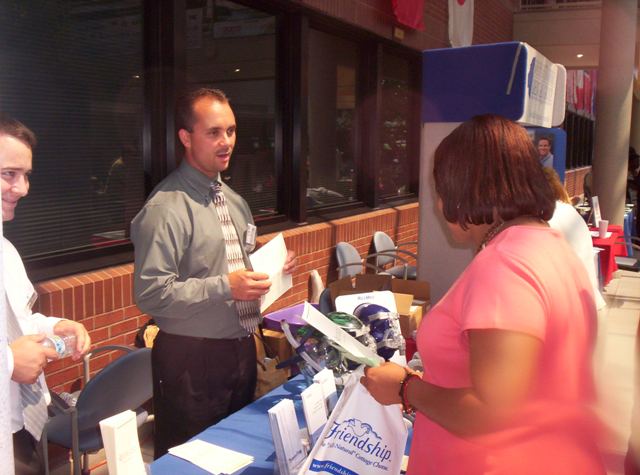
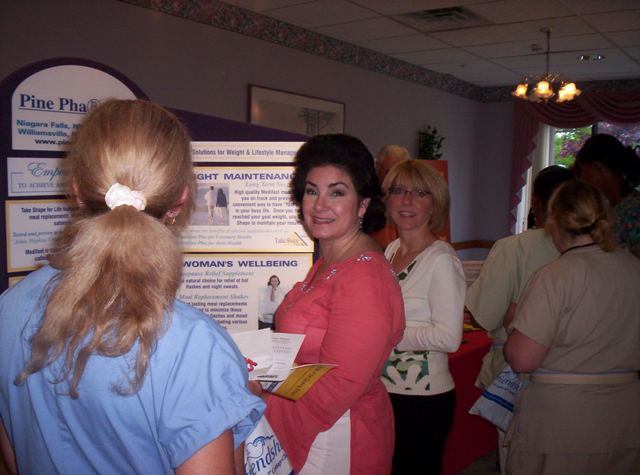
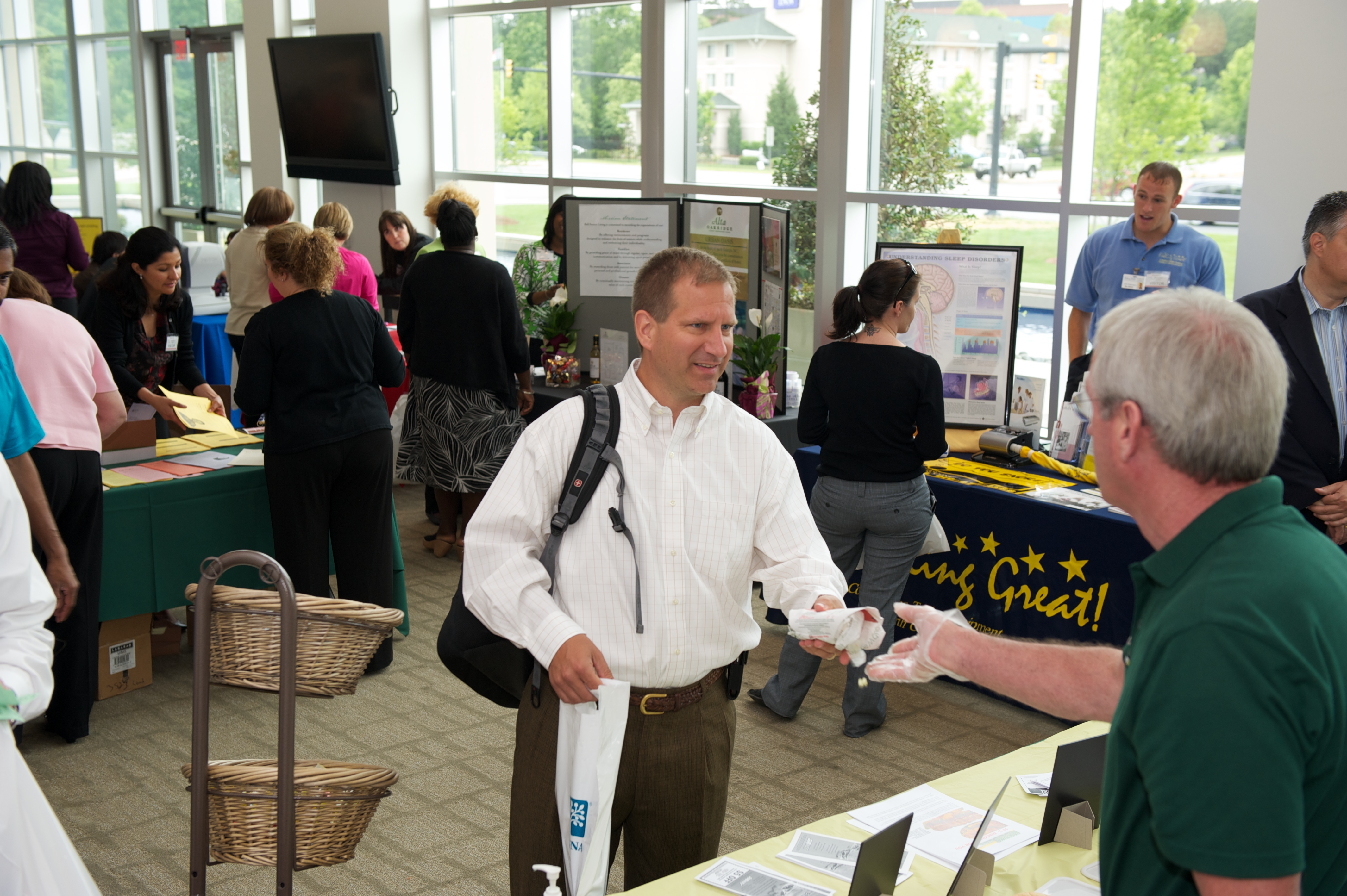
Greet visitors warmly and keep your introduction brief. Ask what they would like to learn and explain one useful benefit of your services. Position yourself where you are easy to approach, and respect employees’ time. Focus on education; recruitment and network marketing are not permitted.
Can I collect contact information or require a signup?
Offer optional follow-up only to interested employees. Do not require personal information or mailing-list enrollment in exchange for a service, screening, or prize. Contact employees after the event only when they have specifically requested it.
How do raffle prizes work?
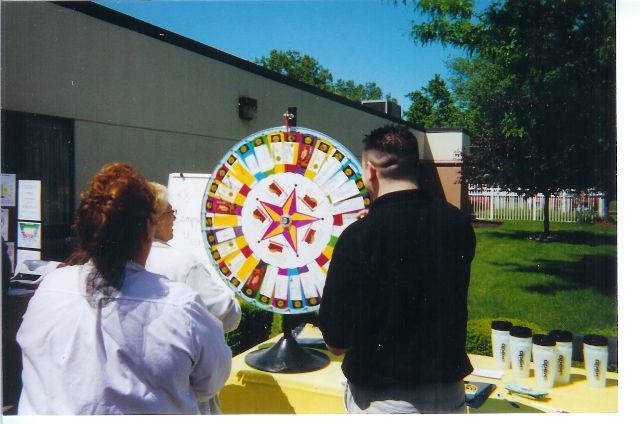
IAB asks vendors to contribute a raffle prize. Follow the event’s prize instructions; general guidelines direct vendors to label the prize with a business card and leave it at check-in. Independent raffles at vendor tables are not allowed.
What should I pack?
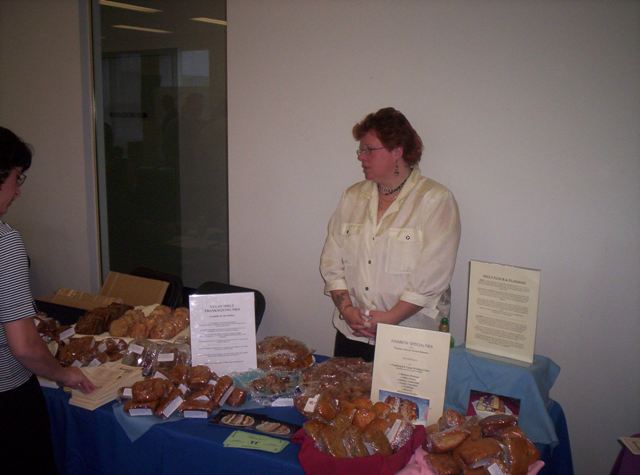
Bring a tablecloth unless the host confirms one is provided; signs, business cards, educational handouts, pens, approved giveaways or samples, and supplies for your approved services. Bring chargers and any confirmed equipment. Keep water and snacks for your team handy, and avoid attaching items to venue surfaces without permission.
How should I follow up afterward?
Respond promptly to employees who requested information or an appointment. Personalize your response and deliver what you promised. Review what worked with your team. See our event follow-up guidance for more ideas.
Prepare for a Virtual Health Fair
Is my company profile the same as my virtual booth?
Your profile is the foundation; your event booth still needs preparation after approval. Go to Edit → Event Registrations, find the virtual event, and use its booth options. Read the written instructions and watch the supplied setup video before beginning.
When should I set up and test my virtual booth?
Prepare your booth as soon as you are approved. Check your presentation, brochures, scheduling or coupon links, and contact information before event day. Ask for help early enough to resolve problems. Do not leave your first setup attempt until the event starts.
My presentation video will not play. What should I check?
Test playback inside your booth. Check the video host’s sharing and embedding settings; a private or restricted video may not play for visitors. Send IAB the event name, video link, screenshot, and exact error if you need help.
Do I need to stay in the booth for the full live event?
Yes. Have a representative present throughout the scheduled live event to welcome visitors, answer chat messages, and respond to requested video or audio conversations. A prerecorded presentation does not replace staffing your booth.
Am I broadcasting live video the entire time?
Being present in the booth does not mean you are continuously broadcasting live video. Welcome employees through chat and respond when they request a private video or audio conversation. Follow the tutorial for joining requests and keeping an eye on incoming chats.
When should I enter, and what should I test?
Enter your completed booth at least 15 minutes before the listed start unless event instructions specify an earlier time. Confirm the time zone. Test your connection, camera, microphone, and chat in advance, and have your materials ready.
What if chat or audio/video is blocked at work?
Ask your IT team to help check workplace network restrictions and camera or microphone permissions before event day. Share the issue with IAB, including the event link and exact error. Use an employer-approved connection and follow your organization’s security policies.
How do I respond to virtual follow-up requests?
Check your profile messages for requests. Use the employee’s contact details in the request to respond directly; replying to the notification itself may not reach them. Send only the information they requested. Visit the Virtual Booth Tips page for more details.
Get Help Quickly
Who handles event logistics, and who handles website problems?
Contact the employer or event coordinator for parking, unloading, room location, booth placement, supplies, and event-specific requirements. Contact IAB for profile, registration, coupon, billing, website, or virtual booth assistance.
What information should I send to IAB?
Include your company name, account email, event name and link, the step causing difficulty, and a screenshot or exact error. Please do not send passwords or full payment-card details. Use our Contact Us page or call 800-560-1648.
No matching tips. Try a shorter keyword or contact IAB.
Provider FAQs · Event Participation Guidelines · Virtual Booth Tips